
Chitra Gallery
A quick, private photo gallery
Your photos and videos, the moment you open it. Chitra Gallery is made to feel light: it starts quickly, scrolls smoothly and moves between screens without a pause. It reads the pictures already on your phone, keeps its own choices on the phone, and has no internet permission at all.
Chitra Gallery is coming soon to Google Play.
A look inside
What it does
Quick to look through
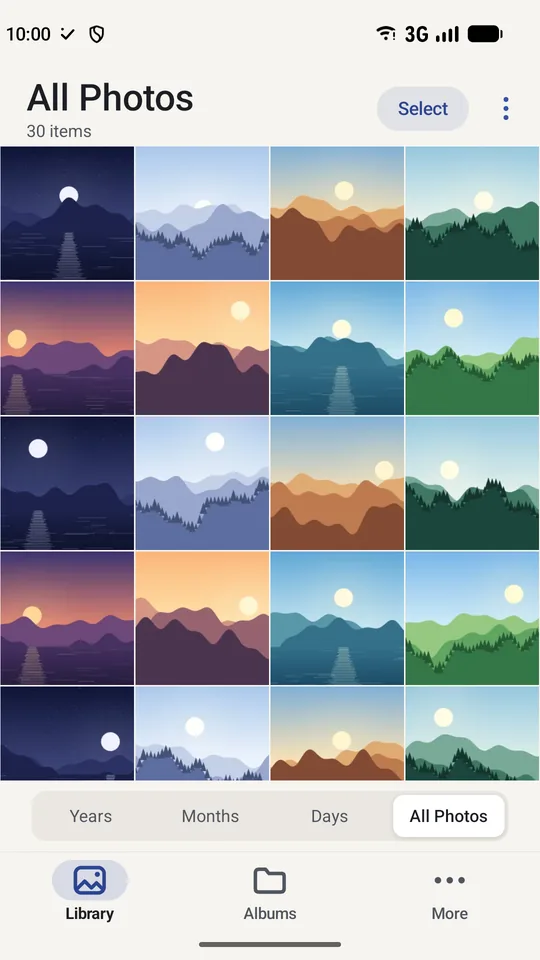
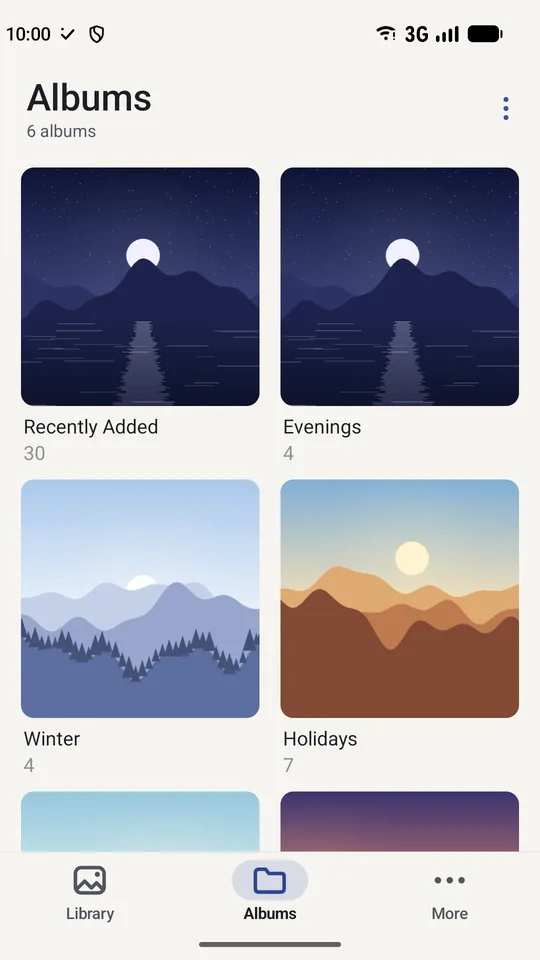
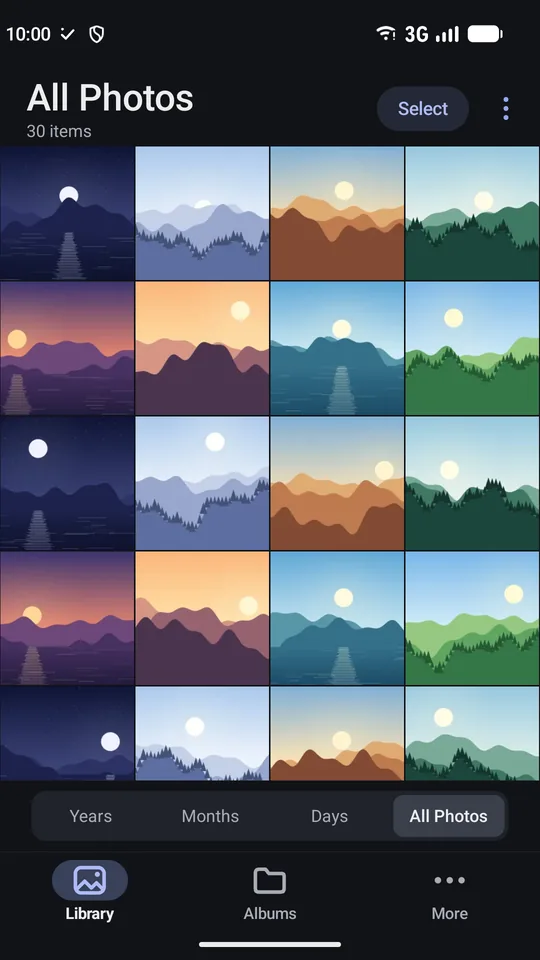
- All Photos, Days, Months and Years, and Albums for your folders
- Pinch to change how many pictures fit across
- A handle at the edge to move quickly through time, and a jump to any date
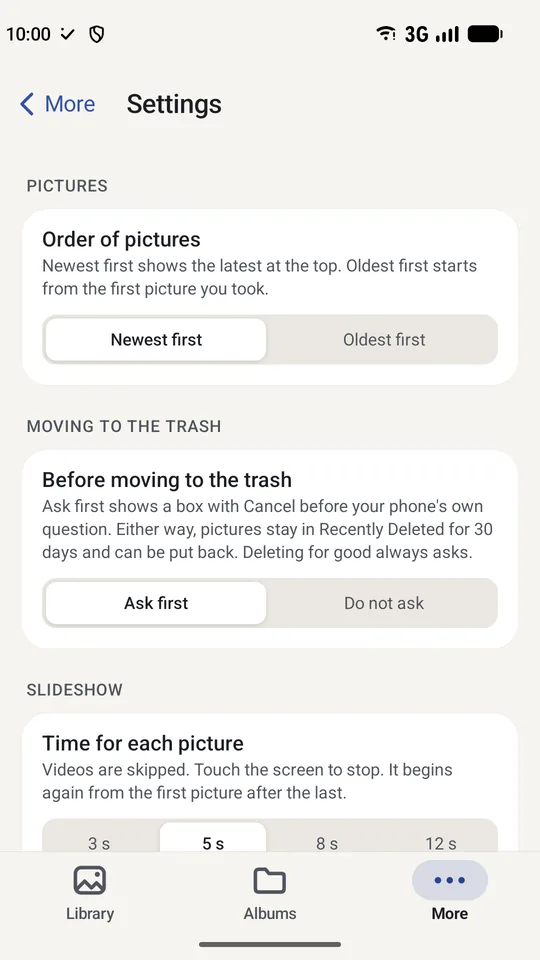
- Newest first or oldest first, as you prefer
A picture or a video
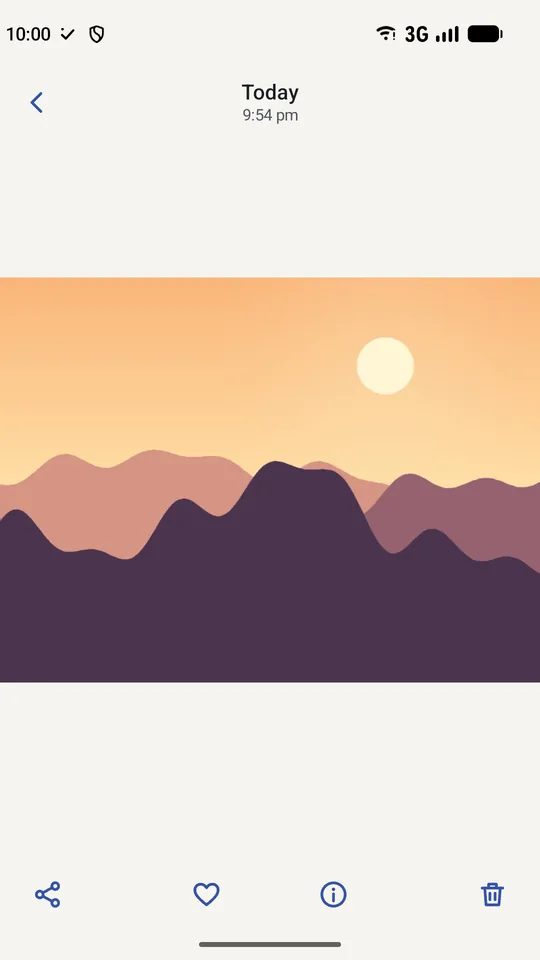
- Double tap to zoom, swipe up for the details, swipe down to close
- Videos play inside the app
- Compare two pictures side by side
- Slideshow, with the time for each picture of your choice
Keep and tidy
- Favourites with a heart, and collections of your own
- Pin the albums you open most to the top
- Quick clean-up to go through pictures you may not need
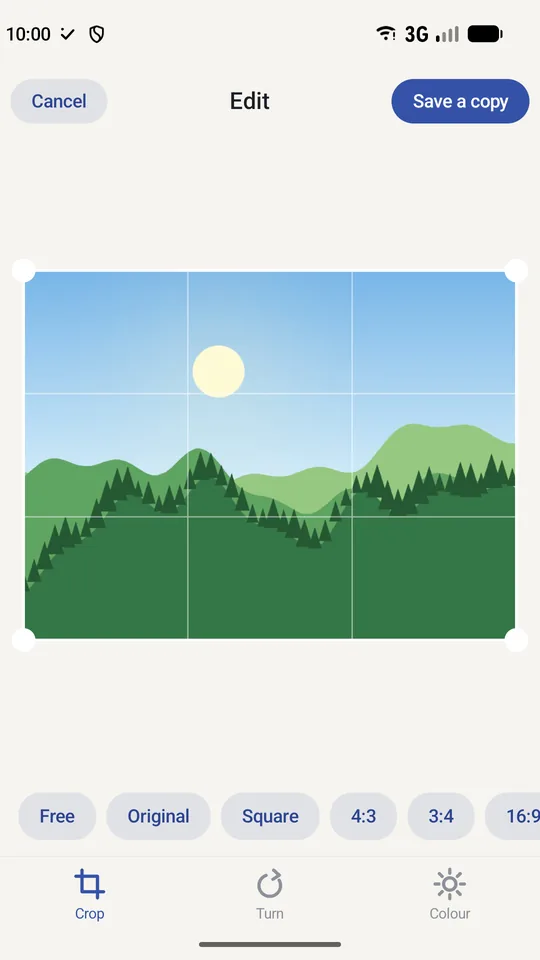
- Simple editing: crop, turn, mirror, brightness, contrast and colour, saved as a new picture so the original stays
Careful with deleting
- Delete asks first in the app, with a Cancel, and then the phone asks as well. You can turn the first question off in Settings
- Deleted pictures go to the phone's own trash, and Recently Deleted lets you bring them back
- Nothing is moved or copied out of your folders without you asking
Yours to keep
- Works fully offline, with no account and no advertising
- Save your favourites, collections, pinned albums and settings to a file, and restore them on a new phone. The pictures themselves are never copied
- Light and dark, following your phone
Free. No account, no internet permission. Privacy
Other Dixith apps
 AnudinaPanchanga and Hindu calendar
 Soundarya LahariThe hundred verses
 Bhagavad GitaVerse by verse
 AbhyasaJapa counter
 AchalaMeditation
 AyojanaAlarm, timer and to-do
 Ghatika FocusCalm timer
 LayaLife's irregular routines
 AnganaTraditional games